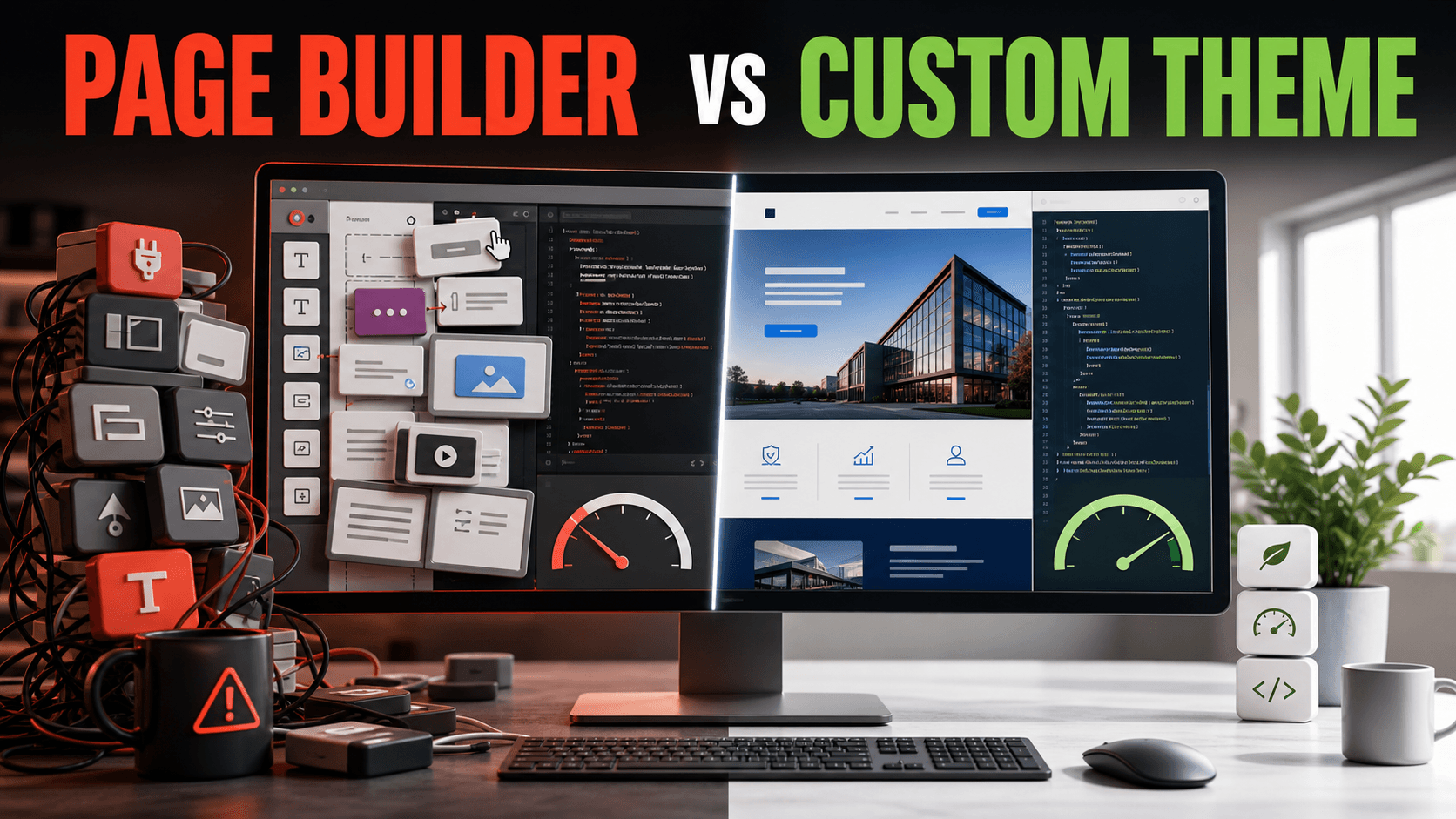
Page builders are everywhere, they're easy to demo, and they promise you'll never need a developer. So why do I build custom themes for most serious client projects? Because once a site matters to your business, the trade-offs start pointing the other way.
I'll give you the honest version — including where page builders genuinely win — but I'll tell you upfront where I land: for a business that wants a fast, flexible site it can grow into, a custom theme is usually the better investment.
What each one actually is
A page builder is a plugin that adds a drag-and-drop editor on top of WordPress. You move blocks around visually, and the plugin generates the code behind the scenes. No coding required.
A custom theme is a theme built specifically for your site, in code, by a developer. Every part exists because your site needs it — nothing more.
That difference — "generated to cover every possible case" versus "built for your case" — is the root of almost everything below.
Speed: the biggest difference
This is where it isn't close.
Page builders are heavy by design. To let you drag anything anywhere, they load large amounts of CSS and JavaScript on every page — including code for features you're not even using. That weight shows up as slower load times, worse Core Web Vitals, and lower mobile performance.
A custom theme loads only the code your site actually uses. Nothing else. The result is a lighter, faster site — often dramatically so. And since Google uses page speed as a ranking factor and slow sites lose visitors, this isn't a technical nicety. It's money.
If speed matters to you — and for a business site, it should — this alone is a strong argument for custom.
Flexibility: what happens when you want something new
Page builders are flexible right up until they aren't.
Inside the builder's toolbox, you can do a lot. But the moment you want something the builder doesn't support — a specific interaction, a custom data structure, an integration with another system, a feature built exactly your way — you hit a wall. Now you're fighting the tool, stacking plugins to work around its limits, or paying for add-ons.
A custom theme has no ceiling. If you can describe it, it can be built. Want to add a new feature next year? The code is yours, structured for your site, ready to extend. This is the part clients underestimate: a website isn't finished at launch, it grows. Custom themes grow with you. Page builders grow until they don't.
Cost: the honest numbers
Here's where page builders genuinely win — at least at the start.
A page builder site is cheaper to launch. The tools are inexpensive, the work is faster, and someone non-technical can often do it themselves. If budget is the hard constraint, this is real.
A custom theme costs more upfront because it's built by hand for you.
But look at the whole timeline, not just launch day. Page builder sites tend to accumulate costs later: premium add-ons, plugins to patch missing features, performance fixes, and eventually a rebuild when the site can't do what the business now needs. A well-built custom theme is a bigger day-one cost that often ends up cheaper over the life of the site.
Cheaper to start isn't the same as cheaper to own.
Maintenance and reliability
Page builders add moving parts. The builder plugin updates, WordPress updates, your add-ons update — and sometimes those updates conflict and break your layout. Anyone who's run an Elementor site for a few years has seen a page mysteriously fall apart after an update.
Custom themes have fewer dependencies, so there's less that can break. And because the code is written cleanly for your site, when something does need attention, a developer can find and fix it quickly instead of digging through a giant plugin's generated markup.
Ease of use: the fair point for page builders
I won't pretend custom themes win everything. Page builders have a real advantage: a non-technical owner can edit pages themselves, visually, without calling anyone.
But this gap is smaller than it used to be. A custom theme can be built on top of the native WordPress block editor (Gutenberg), giving you clean, custom-designed blocks you can edit yourself — the editing freedom of a builder without the bloat. Done right, you get both.
So when should you actually use a page builder?
I'm not anti-page-builder. They're the right choice when:
- You need a simple site live fast and cheap
- It's a temporary site, a landing page, or an experiment
- You'll edit it yourself constantly and don't want any developer involved
- Budget is the single hardest constraint
For a quick brochure site that won't grow much, a page builder is a perfectly reasonable call.
And when should you go custom?
Choose a custom theme when:
- Speed and SEO matter to your business
- You expect the site to grow and gain features over time
- You want it to look and work exactly your way, not "close enough"
- You want fewer things that can break
- You're thinking in years, not weeks
My honest take
A page builder gets you a website. A custom theme gets you an asset — something fast, built precisely for your business, and ready to expand as you do.
For a landing page or a tight-budget project, use the builder and don't feel bad about it. But if this site is going to represent your business for the next several years and you want it to load fast, rank well, and do whatever you decide it should do next — build it custom. You'll feel the difference every time it loads, and every time you want to add something new and the answer is "yes, we can."
Aleksander Eerma is a freelance WordPress developer based in Estonia, specializing in fast, custom-built themes. See his work at alexeerma.ee.